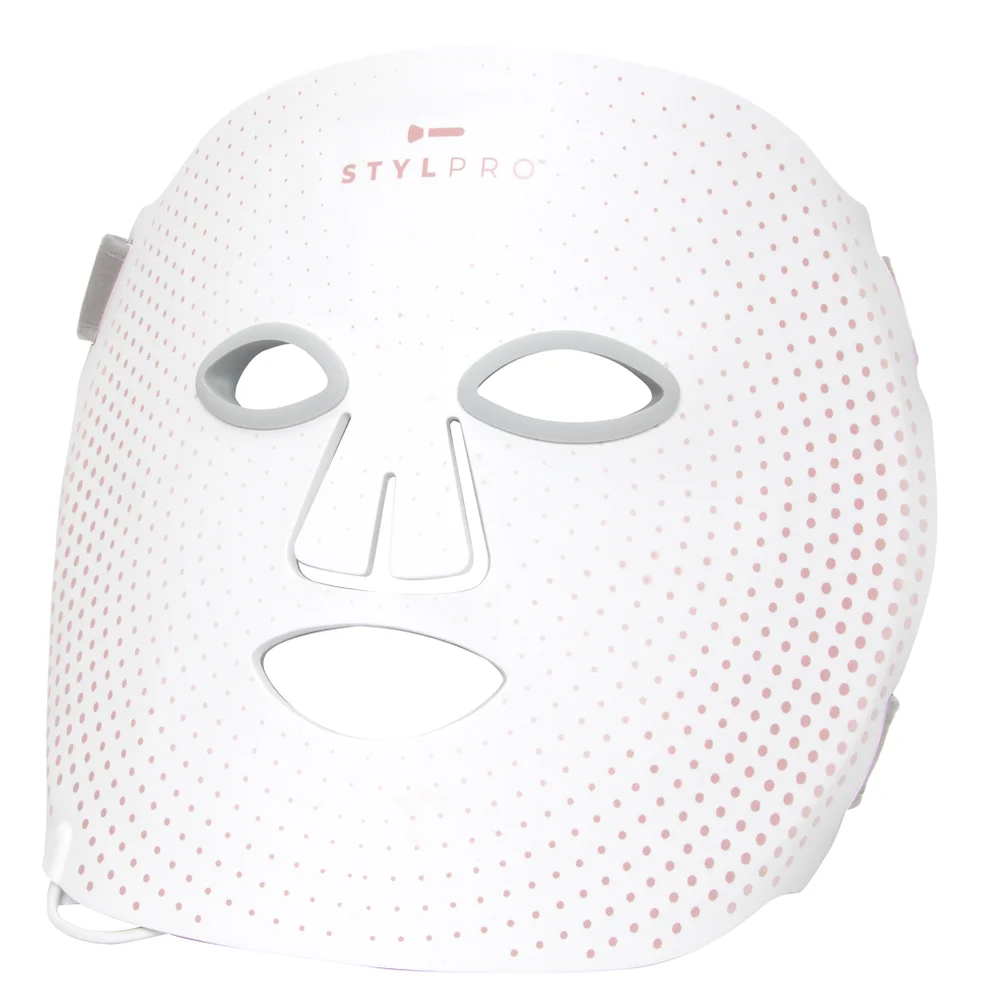
How To Assemble: Remove all parts of the LED Face Mask from the packaging. This includes the remote, eye comfort pads, black straps, and LED Face Mask. Place the eye comfort pads into the eye holes and ensure they are securely attached. See ‘R’ for right and ‘L’ for left on the eye comfort pads. Attach the straps into the loops at the side of the LED Face Mask. Ensure the larger end of the strap is facing upward and secure to the crown of your head. Plug the wire attached to the LED Face Mask in to the top of the remote. The LED Face Mask will not work if the remote is not plugged into the mask.
Charging: Insert the USB-C Cable (provided) into the port at the top of the remote. Attach to a USB-C friendly power source. The battery icon will show a loading sequence when charging. If the controller fails to charge or turn on, a reset is required. Press and hold both buttons for 20 seconds and then immediately begin charging the device, the battery icon should appear. Repeat if unsuccessful.
How To Use: Once your LED Face Mask is fully assembled, place the LED Face Mask onto your face and securely attach the straps around the crown of your head. Long press the On/Off button on the remote. This will turn on to the ‘Anti-Ageing’ mode. Short press the Mode button to switch to the ‘Target’ mode. Short press the Mode button to switch to the ‘Recovery’ mode. Short press the Mode button to switch to the ‘Balance’ mode. Once you have chosen your preferred Mode, enjoy a 10 minute session. To turn off your LED Face Mask before you have completed your 10 minute session, long press the On/Off button.